How to Use AI Image Editing on Telegram: A Complete Guide
Nudify Bot is an AI photo transformation tool that lives inside Telegram. You send it a photo in a chat, and it sends back a transformed version. No app to install, no account to create, no subscription screen to click through.
This guide covers everything: what the bot actually does, the full setup process, how credits work, tips for getting good results, and answers to the most common questions.
What is Nudify Bot?
Nudify Bot uses a generative AI model to transform photos. The AI doesn't apply a filter - it generates new image content based on your photo. The results are significantly more realistic than anything you'd get from a filter-based app.
The bot runs on Telegram, which means it works on any device that has Telegram: iPhone, Android, Windows, Mac, Linux. The processing happens on remote GPU servers, so your phone's hardware doesn't matter.
Getting Started: Step-by-Step
Step 1: Open the Bot
Search for @ndfapp_official_bot in Telegram or tap the link below to open a chat directly:
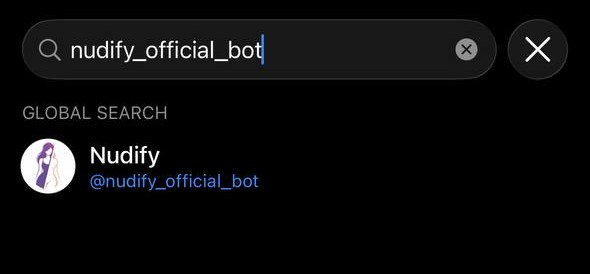
Tap Start to begin.
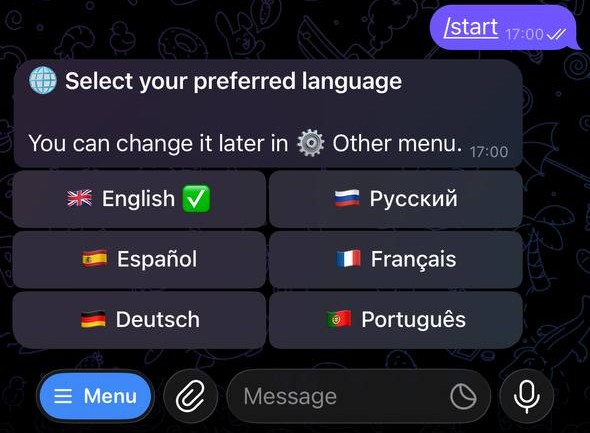
Step 2: Select Your Language
The bot supports English, Russian, German, French, Spanish, and Portuguese. Tap your language from the list. You can change this later at any time from the ⚙️ Other menu.
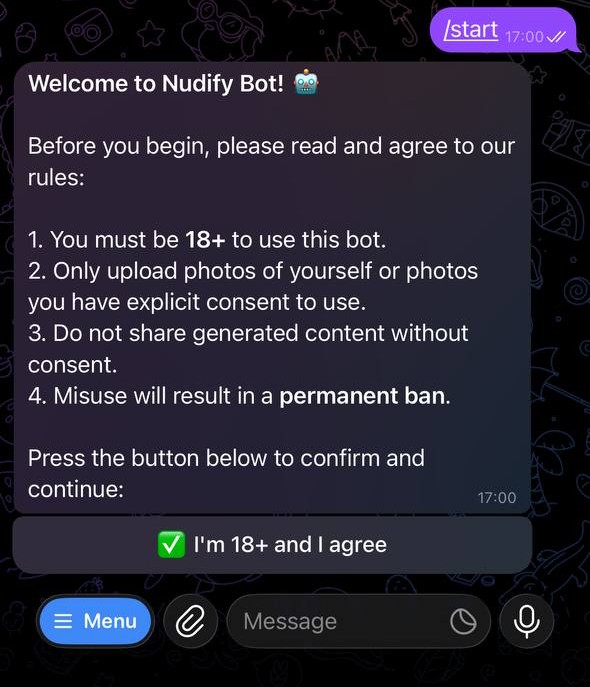
Step 3: Age Verification
The bot shows you a brief terms screen. Read the rules and tap "✅ I'm 18+ and I agree" to unlock full access. This is a one-time step - you won't see it again.
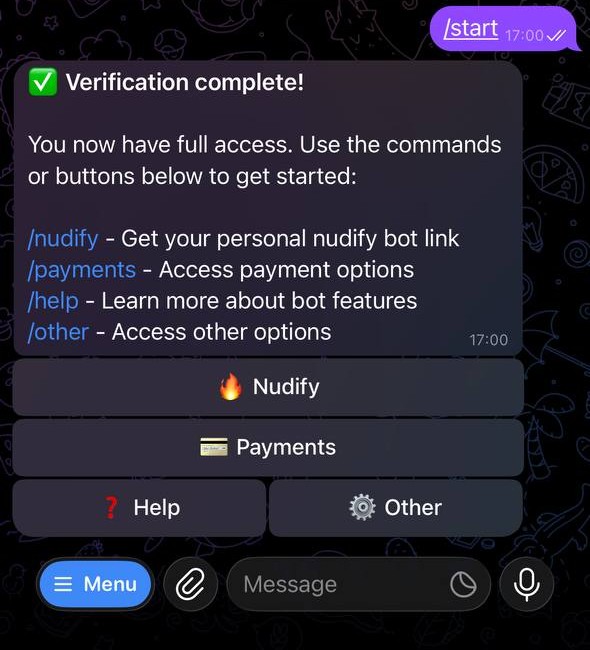
Step 4: Get Your Worker Bot Link
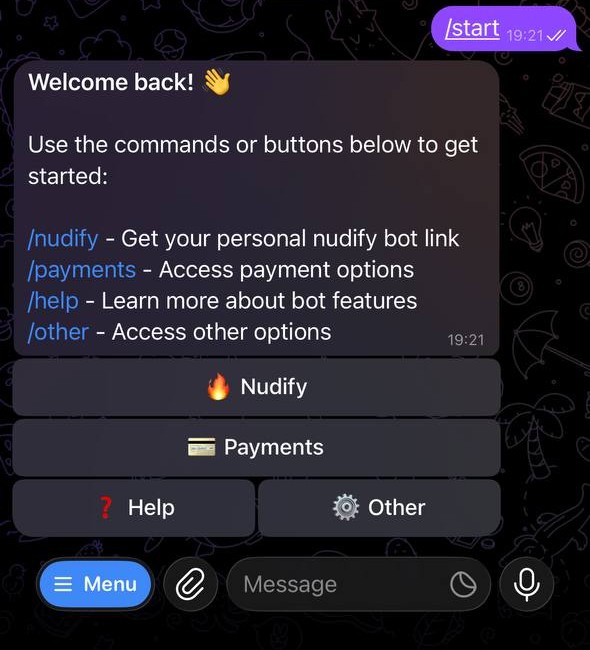
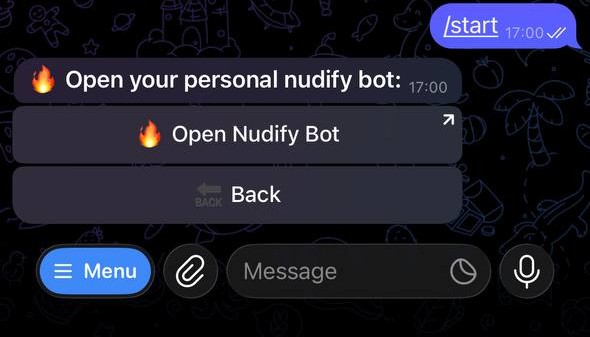
From the main menu, tap 🔥 Nudify (or type /nudify). The bot sends you a link to your personal worker bot - this is the bot you actually send photos to.
Each user is assigned to one of several worker bots running in parallel. This keeps processing fast even during busy periods.
Tap the link to open your worker bot.
Step 5: Send Your Photo
In the worker bot chat, send a photo. Tap the attachment icon → Photo → select from your camera roll.
For the best results, use a photo that:
- Has one person (solo shots only)
- Is well-lit with no heavy shadows
- Shows the subject facing forward
- Is at least 512×512 pixels
- Has a relatively simple background
Pro tip: Use "Send as File" instead of "Send as Photo" - this bypasses Telegram's automatic compression and sends the full-resolution original, which produces noticeably better output.
Step 6: Wait for Processing
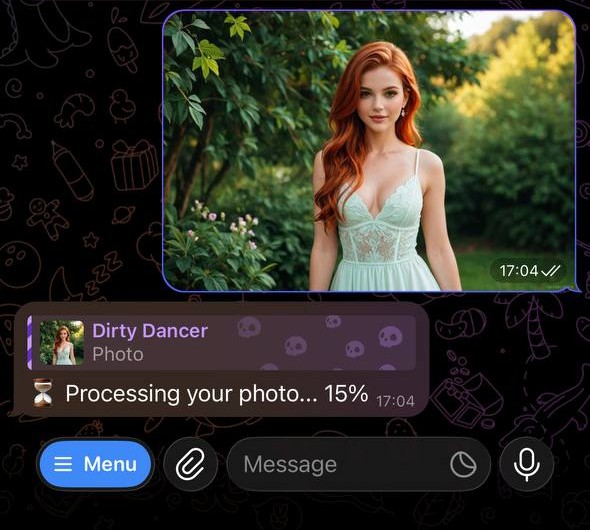
The bot immediately confirms your request is queued and sends progress updates as it works:
- 🕐 "Added to queue" - your request is waiting to start
- ⏳ "Processing… 40%" - the AI is actively working
- ✅ Result - your edited photo appears in the chat
Processing takes 1–2 minutes depending on server load. You don't need to watch it - Telegram will notify you when the result arrives.
Step 7: Get Your Result
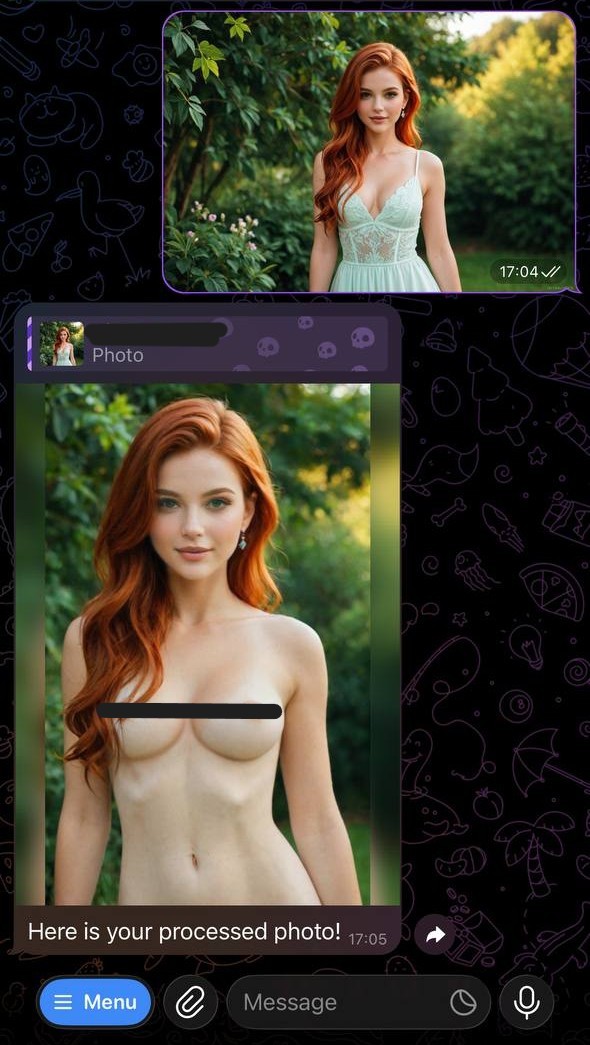
When processing finishes, the result appears as a photo in the worker bot chat.
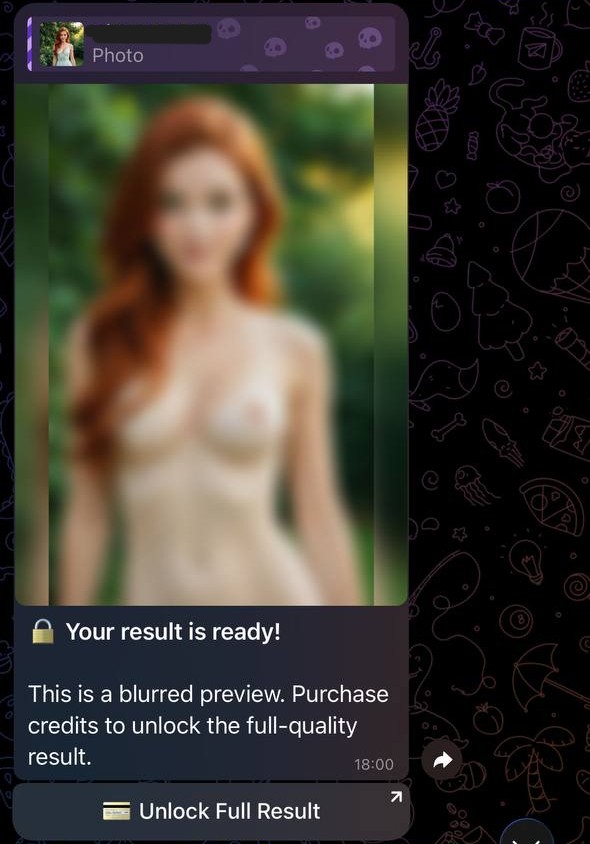
If this is your first ever generation: you'll receive a blurred preview. This is the free demo - you can see the quality of the AI output before committing to a purchase. If you like what you see, tap the button to buy credits and unlock the full-resolution version.
First generation:
Next generations:
Credits and Pricing
Credits are the currency used for processing. Each generation costs 10 credits. If processing fails for any reason, you are not charged.
Credits are purchased in the Payments Bot, accessible from the main bot's 💳 Payments menu.
Credit Packages
| Telegram Stars | Credits | Generations |
|---|---|---|
| 100 | 50 | 5 |
| 250 | 150 | 15 |
| 500 | 350 | 35 |
| 1,000 | 800 | 80 |
| 2,000 | 1,800 | 180 |
First-Time Buyer Discount
If you've never purchased credits before, you get a discount automatically applied at checkout:
- Entry package (100 Stars): no discount
- Mid packages (250, 500, 1,000 Stars): 25% off
- Largest package (2,000 Stars): 50% off
The discount is applied automatically - no code needed.
Dollar cost depends on where you buy Stars (iOS/Android markup vs Desktop or TON). Full pricing: How Much Does Nudify Bot Cost?.
Common Error Messages (and How to Fix Them)
| Error | What it means | Fix |
|---|---|---|
| ❌ Image too small | Photo is under 512×512 pixels | Send a higher-resolution version |
| ❌ No person detected | AI couldn't find a person in the photo | Make sure the person is clearly visible |
| ❌ No face detected | Face not clearly visible in frame | Use a photo where the face is visible |
| ❌ Underage detected | AI flagged the person as potentially under 18 | Bot will not process these images |
| ❌ Unknown error | Something went wrong server-side | Try again; you won't be charged |
Each of those messages, plus "bot not responding" and blurred-preview confusion, is unpacked in Undress AI Not Working: Error Messages.
Privacy and Security
Photos are deleted from our servers immediately after your result is sent. This isn't a vague policy statement - it's how the bot is built. There is no database of processed images.
Your photos are never:
- Stored on disk after processing
- Used to train AI models
- Shared with third parties
- Accessible by anyone other than you
You can read the full Terms of Service at any time: open the main bot → ⚙️ Other → 📜 Terms of Service. What Telegram keeps in the chat vs what the bot server deletes: Does Undress AI Save Your Photos?.
Tips for Consistently Good Results
These are the things that make the biggest difference in output quality:
1. Good lighting is the single most important factor. Natural light (near a window) or even indoor room lighting works well. Avoid direct flash, strong backlighting, or heavy shadows.
2. Higher resolution = better results. More pixels give the AI model more to work with. If you have a choice, use the highest-resolution version of your photo.
3. Simple backgrounds help. A plain wall or neutral background makes it easier for the AI to focus on the subject. Busy backgrounds can sometimes cause issues.
4. Facing forward, close to center frame. The model is optimized for forward-facing subjects. Extreme angles or profiles produce less consistent results.
5. One person per photo. Group photos don't work well with this type of generative model. Use solo shots.
For more tips, see the full recommendations guide in the bot: ⚙️ Other → 📖 Recommendations. Why successful runs still look fake - lighting, filters, coats, group shots - is in Why Undress AI Results Look Fake.
Frequently Asked Questions About Getting Started
Already covered in the FAQ at the top of this page, but worth repeating the most common ones:
Can I use the bot on desktop? Yes - Telegram on Windows, Mac, and Linux works identically to the mobile apps for sending photos to bots.
Can I change my language? Yes. Go to the main bot → ⚙️ Other → 🌐 Change Language. Works anytime.
What if the bot doesn't respond? Try sending /start to the main bot (@ndfapp_official_bot). If that doesn't work, check that you're in the worker bot chat (not just the main bot).
Do I need to re-verify my age each time? No. Age verification is a one-time step.
Ready to Try It?
Your first generation is free. No credit card, no subscriptions, nothing to install.
Related Articles
Frequently Asked Questions
- Is Nudify Bot free to use?
- Your first generation is completely free - you get a real result (blurred preview) so you can judge the quality before spending anything. After that, credits start at 100 Telegram Stars for 5 generations. First-time buyers also get a 25–50% discount depending on which package they choose.
- Do I need to create an account?
- No account needed. You just need Telegram. Open the bot, select your language, confirm you're 18+, and you're in.
- Are my photos stored after processing?
- No. Photos are deleted from our servers immediately after your result is sent. They are never stored, never shared, and never used for AI training.
- What photos work best with Nudify Bot?
- Solo photos with good lighting, a forward-facing subject, and a minimum resolution of 512×512 pixels. Avoid group photos, heavily shadowed images, and very baggy or layered clothing.
- How long does processing take?
- Usually 1–5 minutes, depending on server load. The bot sends you progress updates in the chat so you know where things stand.
- What happens if my photo fails to process?
- If processing fails, you are not charged any credits. The bot tells you exactly what went wrong (image too small, no person detected, etc.) so you can fix it and try again.