How to Edit Photos in Telegram (Step-by-Step Guide)
Most people use Telegram for messaging. But if you know where to look, it's also one of the fastest ways to run AI photo editing on any photo - no installs, no subscriptions, no separate accounts.
This guide walks you through the full process, from opening a bot to getting your edited photo back. We'll use Nudify Bot as the primary example since it's the most capable AI photo bot available in Telegram right now.
How Photo Editing in Telegram Actually Works
Telegram bots are small programs that you interact with like a chat. You send them messages (or photos), and they respond. For photo editing, the workflow is always the same:
- You open a bot
- You send a photo
- The bot processes it using an AI model
- The bot sends back your result
The processing happens on remote servers - not on your phone. That's why it works just as well on a 3-year-old Android as it does on the latest iPhone. The phone is just the interface.
Step-by-Step: How to Use Nudify Bot
Step 1: Open the Bot
Search for @ndfapp_official_bot in Telegram's search bar, or just click this link: Open Nudify Bot
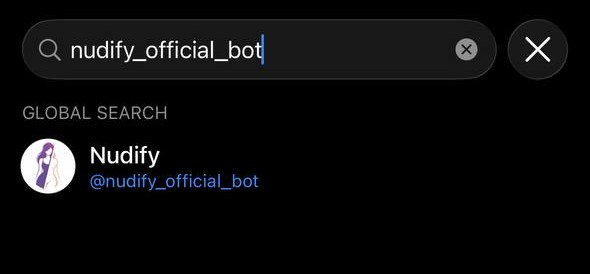
You'll land in a chat with the bot. Tap Start.
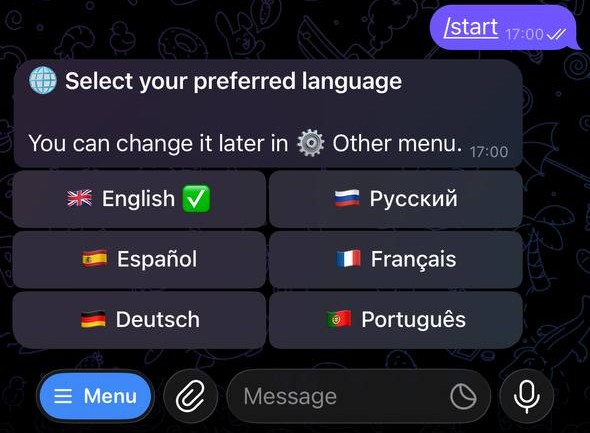
Step 2: Select Your Language
The bot supports English, Russian, German, French, Spanish, and Portuguese. Tap your language to continue.
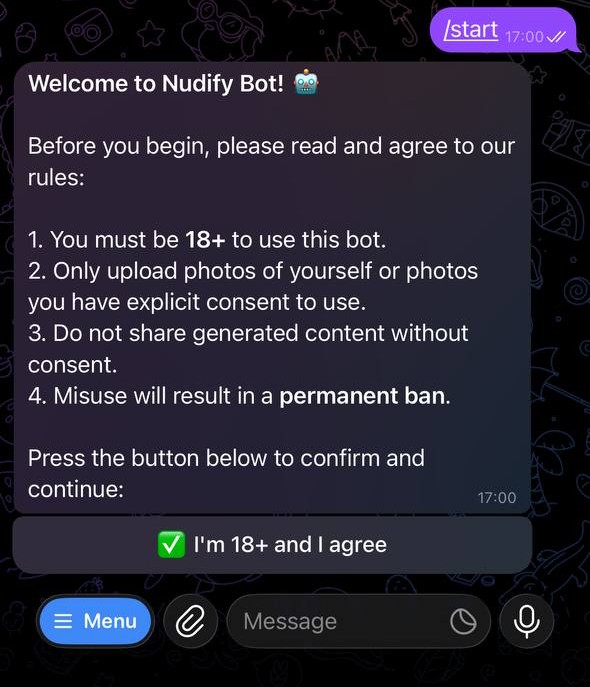
Step 3: Complete Age Verification
The bot will show you a brief terms screen. Read it and tap "I'm 18+ and I agree" to unlock full access.
This is a one-time step - you won't see it again after you've verified.
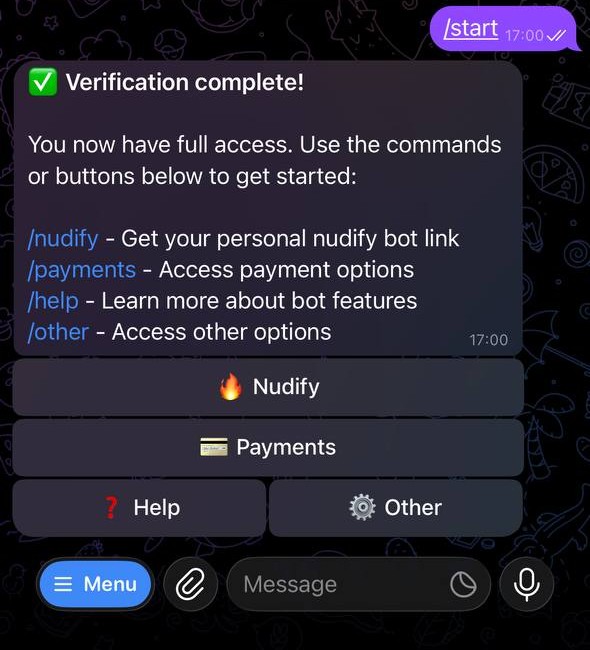
Step 4: Tap "Nudify" to Get Your Worker Bot
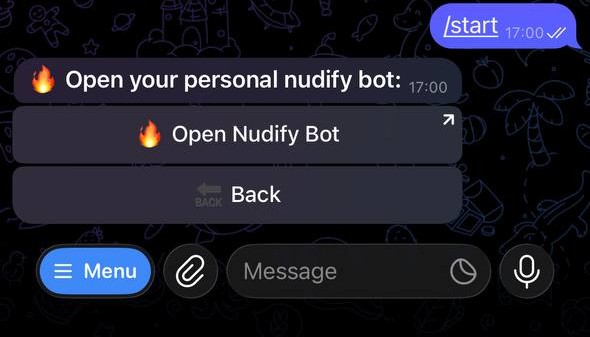
From the main menu, tap 🔥 Nudify. The bot will send you a link to your personal worker bot. Each user gets assigned to one of several worker bots - this helps keep processing fast.
Tap the link to open your worker bot.
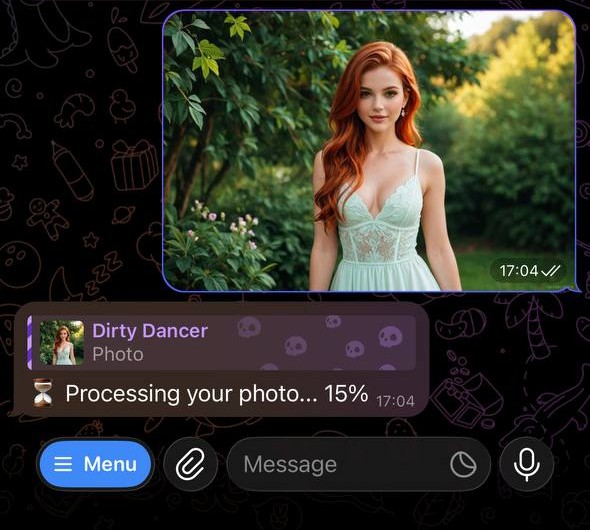
Step 5: Send Your Photo
In the worker bot chat, just send a photo. Tap the attachment icon, select Photo, and pick one from your camera roll.
A few things to keep in mind for the best results:
- Single person only - group photos won't work as expected
- Good lighting - avoid dark or backlit photos
- Forward-facing - the subject should be looking roughly toward the camera
- Minimum resolution - 512×512 pixels at least; larger is better
Step 6: Wait for Processing
The bot will confirm it received your photo and show you a progress message. Processing typically takes 1–5 minutes depending on server load. The bot updates the message as it goes:
- "Added to queue" - your request is waiting to start
- "Processing… 45%" - the AI is actively working on your photo
- Result - your edited photo appears
Step 7: Get Your Result
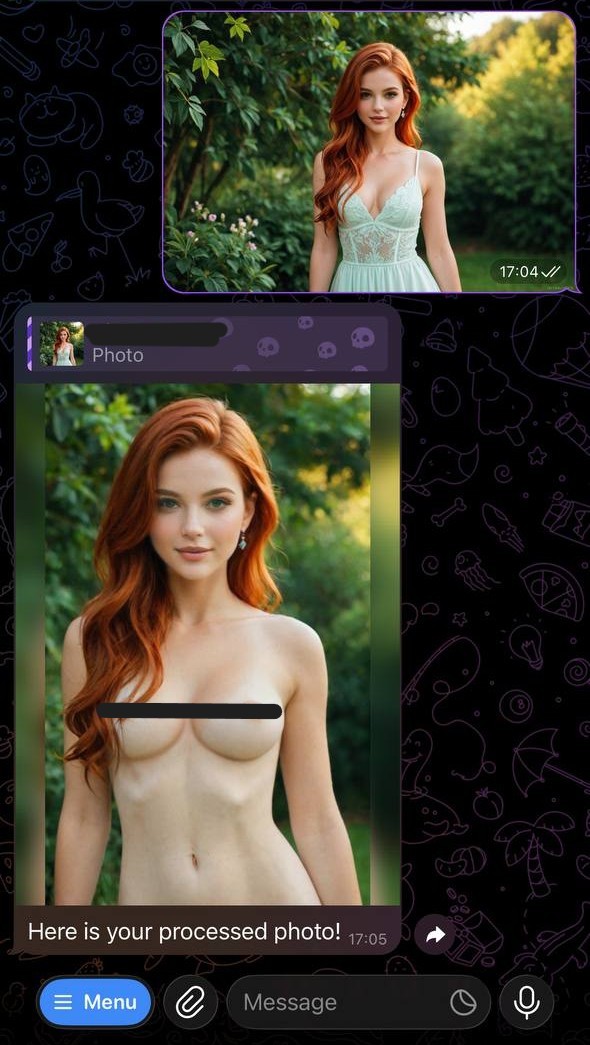
When processing is done, the bot sends back your photo.
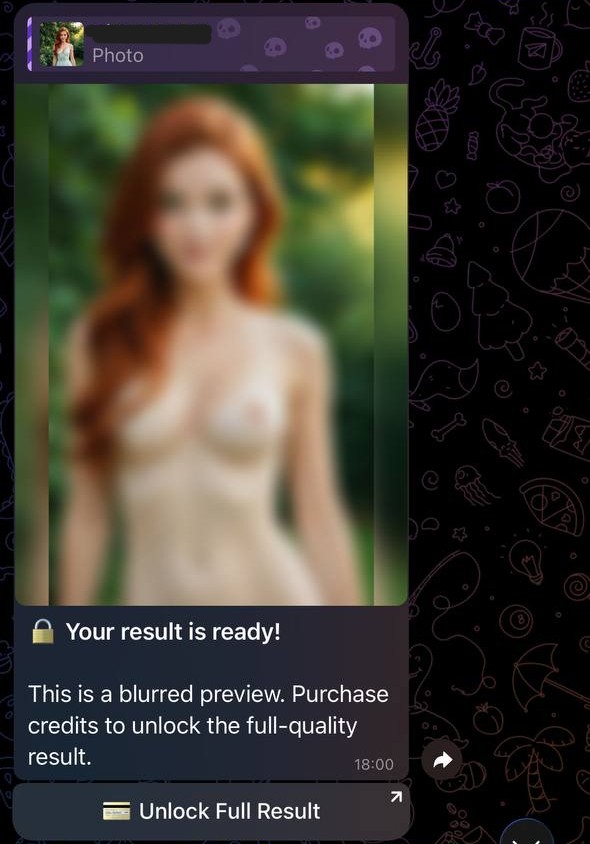
If it's your first ever generation, you'll get a blurred preview. This is the free demo - it lets you see the output quality before committing to a purchase. If you want the full-resolution result, tap the button to open the payments bot and buy credits.
Credits cost as little as 100 Telegram Stars for 5 generations. First-time buyers get a discount - usually 25–50% off depending on the package.
First generation:
Next generations:
Managing Your Credits
Credits are purchased in the Payments Bot, which you access from the main bot's 💳 Payments menu.
Packages available:
| Stars | Credits | Generations |
|---|---|---|
| 100 | 50 | 5 |
| 250 | 150 | 15 |
| 500 | 350 | 35 |
| 1,000 | 800 | 80 |
| 2,000 | 1,800 | 180 |
Each generation costs 10 credits. If a generation fails for any reason (image too small, no person detected, etc.), you're not charged.
Common Issues and Fixes
"No person detected in the image"
The AI couldn't find a person. Make sure the photo has a clearly visible person in it. Full-body or upper-body shots work best.
"Image is too small"
Minimum resolution is 512×512 pixels. Send a higher-resolution version.
"Underage detected"
The AI flagged the person as potentially under 18. The bot refuses to process these images.
Long queue times
Processing is slower during peak hours (evenings, weekends). Try again during off-peak hours, or just wait - your request stays in the queue.
What to Expect vs. What AI Can't Do
AI photo editing in Telegram is impressive, but it's not magic. Here's an honest breakdown:
Works well:
- Clear, well-lit solo photos
- Forward-facing subjects in normal clothing
- Images with a simple or plain background
Struggles with:
- Group photos
- Heavily shadowed or blurry images
- Unusual angles or poses
- Clothing with complex patterns or layers
Want more tips on getting consistently good results? Read Why Undress AI Results Look Fake.
Privacy: What Happens to Your Photo?
Your photo is processed on secure servers and deleted immediately after the result is sent. It's never stored, never used for AI training, and never shared. You can verify this in the bot's Terms of Service (/other → Terms of Service).
Try It Now
The first generation is free. No credit card, no account creation - just open the bot, verify your age, and send a photo.
Related Articles
Frequently Asked Questions
- Can I use AI nudification on photos directly in Telegram?
- Yes, through bots. You send a photo to a bot and it sends back an edited version. The whole process happens inside Telegram without any additional apps.
- How long does photo editing in Telegram take?
- It depends on the bot and server load. Most AI photo bots take between 30 seconds and 5 minutes. Nudify Bot processes photos in under 5 minutes.
- Do I need to create an account to use Telegram photo bots?
- No account creation is needed beyond your existing Telegram account. Just open the bot and start.
- What kind of photos work best with AI bots?
- Solo shots, well-lit, forward-facing, minimum 512×512 pixels. Avoid group photos, heavy clothing layers, or dark/blurry images.